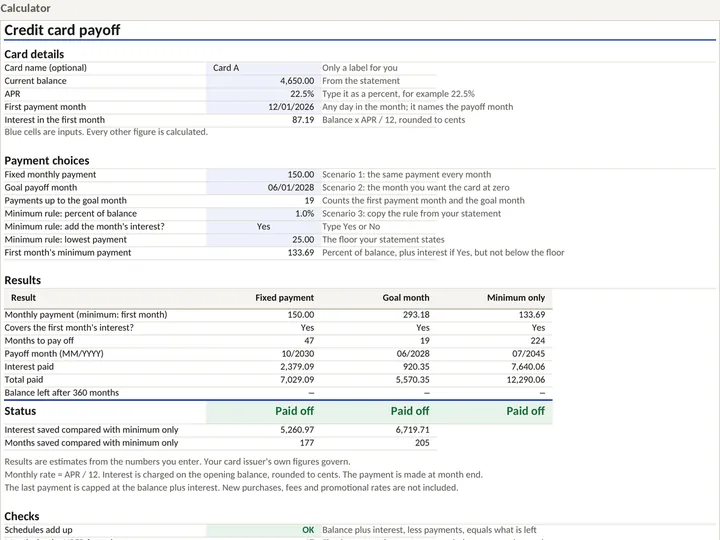
Credit Card Payoff Calculator
Compare three repayment options, including estimated payoff dates and total interest.
Uses figures from statements
Download .xlsx56 KB
Compare debt repayment strategies using balances, APRs and minimum payments from your statements.
Download complete. Next step: Convert a statement PDF to data you can use in this template
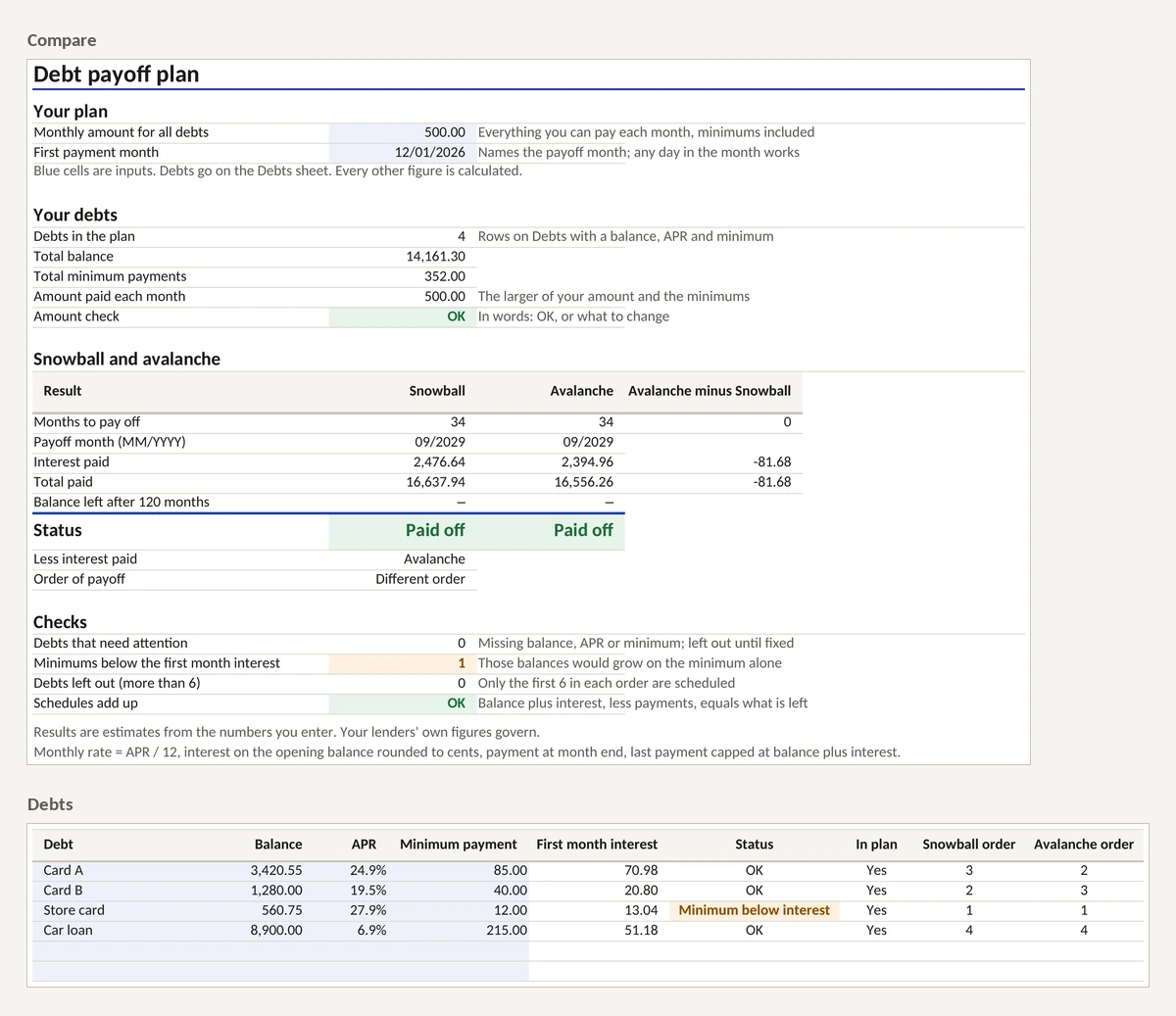
Compare two repayment strategies for up to six debts using the same monthly budget. The snowball method prioritizes the smallest balance; the avalanche method prioritizes the highest APR. Enter balances, APRs and minimum payments to compare estimated payoff dates, repayment order and total interest.
| Field | Description | Cell type |
|---|---|---|
| Balance (Debts) | What you owe today | Input |
| APR (Debts) | The yearly rate, as a percent | Input |
| Minimum payment (Debts) | The smallest payment due each month | Input |
| Status (Debts) | OK, or a message identifying missing or invalid inputs | Formula |
| Snowball order, Avalanche order | Each debt's position in the two plans | Formula |
| Monthly amount for all debts (Compare) | Everything you can pay each month | Input |
| First payment month (Compare) | Used to name the payoff month | Input |
| Amount paid each month (Compare) | Your amount, or the minimums if larger | Formula |
| Months to pay off, Interest paid | The result for each plan | Formula |
| Extra pool (schedules) | What is left after all minimums | Formula |
Snowball sends spare money to the smallest balance first. Avalanche sends it to the highest APR first. Both pay every minimum, so the totals only differ when the two orders put the debts in a different sequence.
Each card or loan statement prints them. If a rate is missing, leave the APR cell empty. Status then reads Enter APR and the debt stays out of the figures. A debt with no interest takes 0%.
The schedule covers 120 months. If a debt is not cleared by then, for example because its payment does not cover the interest, Compare shows Over 120 months and the Balance left row shows what remains.
Each month the APR divided by 12 is applied to the opening balance and rounded to cents. Payments land at month end, and a last payment is capped at balance plus interest.
It is an estimate from the numbers you type. Your lenders' own figures govern, and new purchases, fees and rate changes are left out.
License: Free for personal and commercial use. You may edit this template and use it in your own work and business, including for clients. Please don't sell or redistribute the template file itself, on its own or as part of a template pack or collection. Provided "as is", without warranty of any kind; check your own figures. © 2026 PDF to Table — https://pdftotable.app/templates/debt-payoff-calculator/
Version 1. Last updated November 24, 2026.
Compare three repayment options, including estimated payoff dates and total interest.
Uses figures from statements
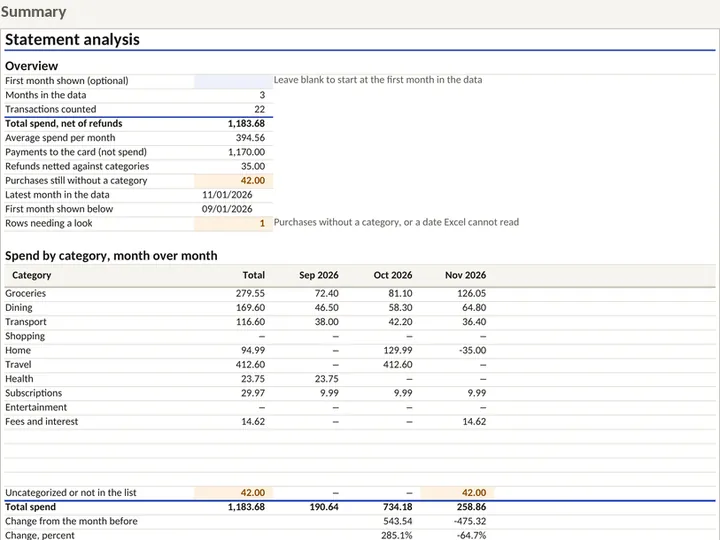
Categorize credit card transactions and compare spending by category, merchant and month.
Accepts exported transaction data
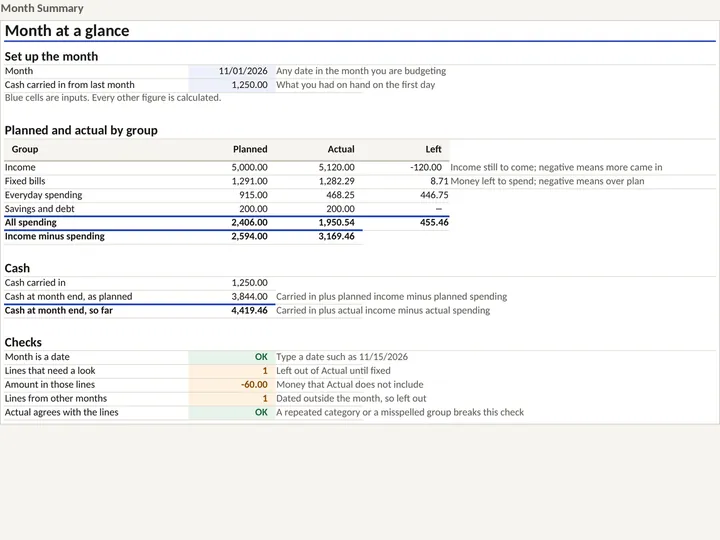
Plan monthly income and spending, compare actual results and monitor your remaining budget.
Accepts exported transaction data
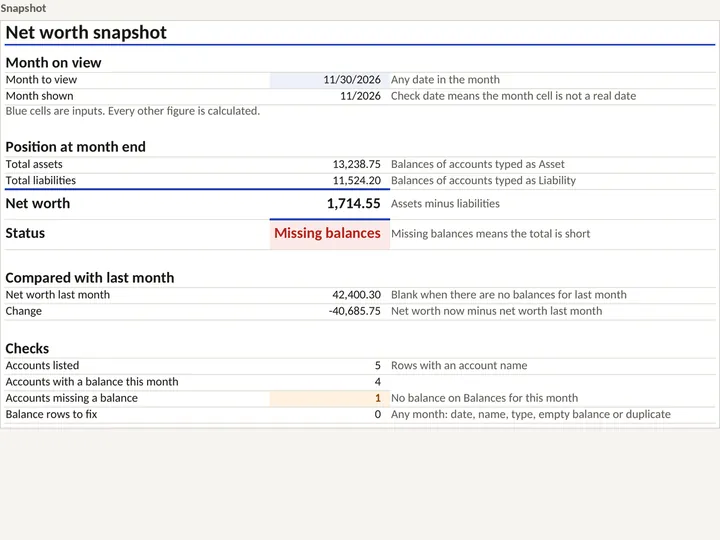
Track assets, liabilities and net worth by month, with alerts for missing account balances.
Uses figures from statements