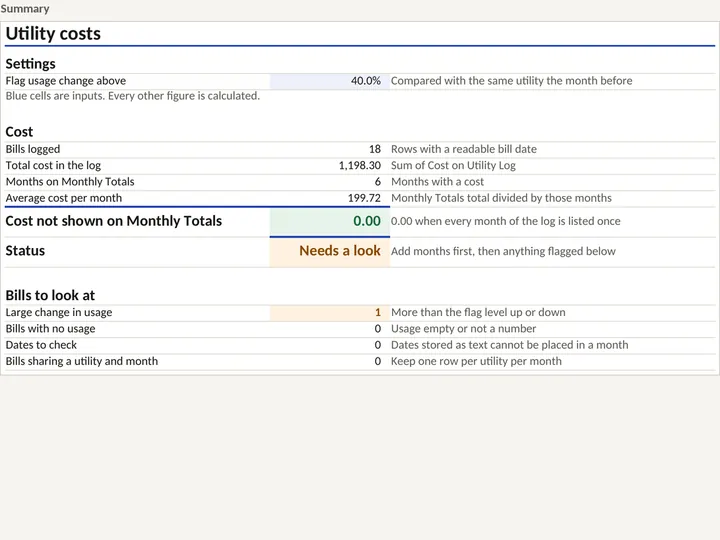
Utility Bill Tracker
Track utility usage and costs, compare cost per unit and review unusual changes in consumption.
Uses figures from statements
Download .xlsx25 KB
Track recurring bills, due dates and payment status, and check payments against your statements.
Download complete. Next step: Convert a statement PDF to data you can use in this template
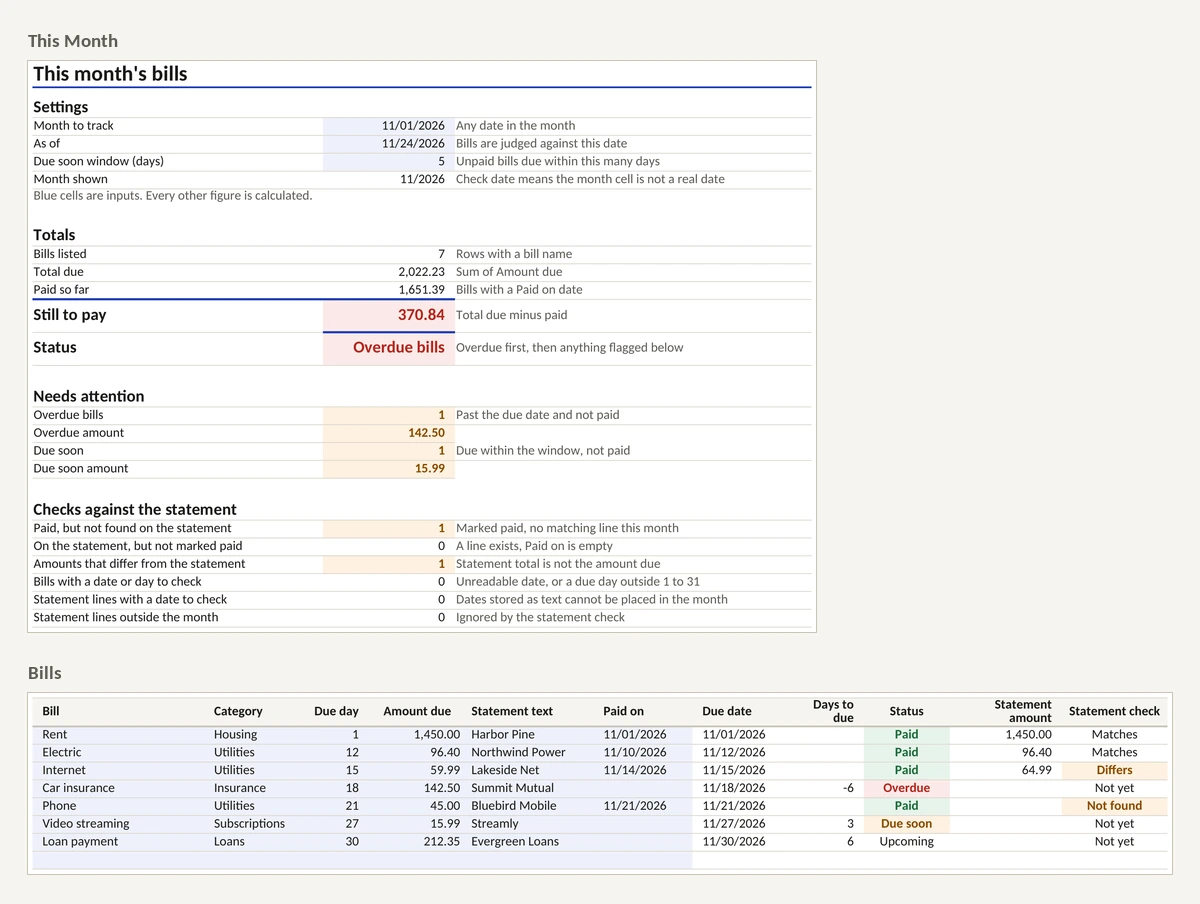
Track recurring bills in one Excel workbook. Enter each bill's due day, expected amount and payment date to see which bills are paid, due soon or overdue. You can also compare recorded payments with bank or credit card transactions.
| Field | Description | Cell type |
|---|---|---|
| Due day | Day of the month the bill is due, 1 to 31 | Input |
| Amount due | What you expect to pay | Input |
| Statement text | A word printed on the statement line for this payee | Input |
| Paid on | The date you paid, left empty until you do | Input |
| Due date | Due day applied to the selected month, adjusted to month-end when needed | Formula |
| Days to due | Days from the As of date to the due date, negative when late | Formula |
| Status | Paid, Overdue, Due soon or Upcoming | Formula |
| Statement amount | Total matching statement transactions for the bill, shown as a positive amount | Formula |
| Statement check | Matches, Differs, Not found, Not yet or Unmarked | Formula |
| In month | Whether a statement line falls inside the tracked month | Formula |
No. Bills holds a due day, not a full date. Next month, change the month on This Month, clear Paid on, and adjust any amount that changed.
It is the reference date for payment status. Unpaid bills due before this date show Overdue; bills due within your chosen reminder period show Due soon. Update the date to review current or past bills.
A word or two printed on the statement line for that payee. The check finds lines containing it, dated inside the month, and adds them up.
You marked it paid, but no statement line that month contains its Statement text. The statement may spell the payee differently, or the payment came from another account.
For months with fewer than 31 days, the due date becomes the last day of the month. For example, it becomes February 28 in a non-leap year.
The workbook checks bills against bank or card statement lines, so type each bill in by hand. Paste statement lines into Statement Lines.
License: Free for personal and commercial use. You may edit this template and use it in your own work and business, including for clients. Please don't sell or redistribute the template file itself, on its own or as part of a template pack or collection. Provided "as is", without warranty of any kind; check your own figures. © 2026 PDF to Table — https://pdftotable.app/templates/bill-tracker/
Version 1. Last updated November 24, 2026.
Track utility usage and costs, compare cost per unit and review unusual changes in consumption.
Uses figures from statements
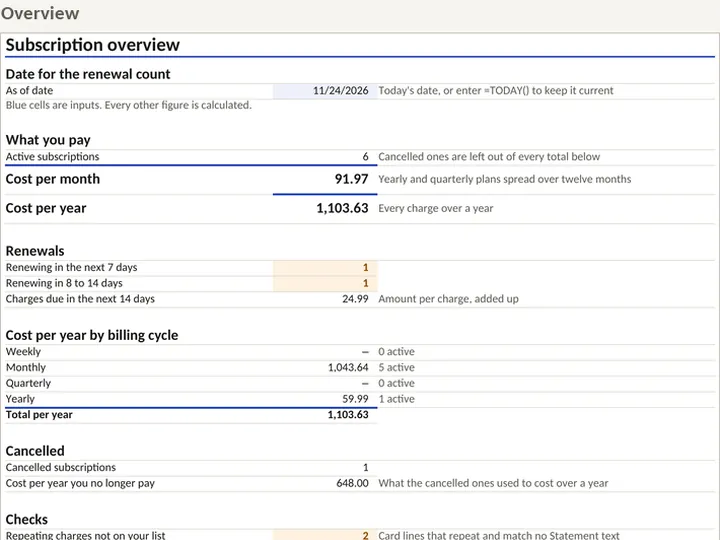
Identify recurring charges, track subscription costs and review upcoming renewals.
Accepts exported transaction data
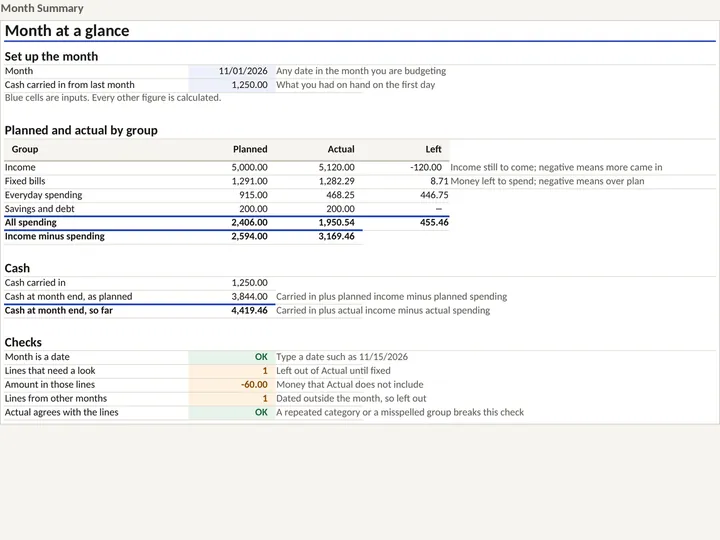
Plan monthly income and spending, compare actual results and monitor your remaining budget.
Accepts exported transaction data
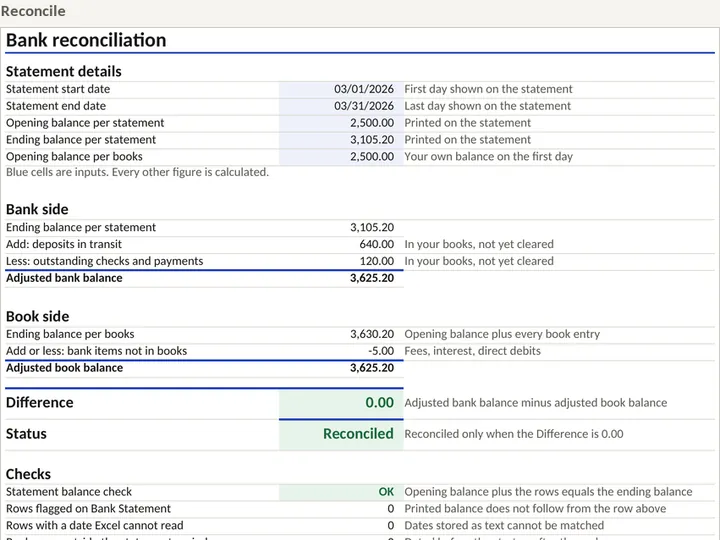
Compare your bank statement with your records and identify outstanding items and discrepancies.
Accepts exported transaction data
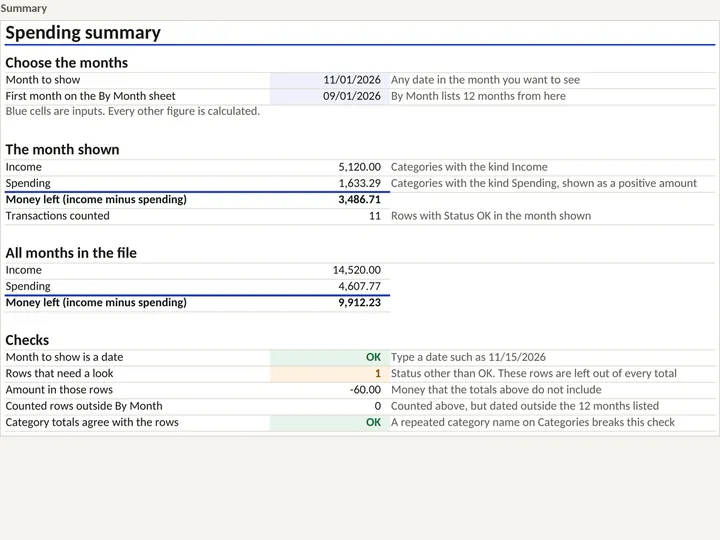
Categorize transactions to track monthly income and expenses.
Accepts exported transaction data